2bis
Агент поддержки
- Сообщения
- 52
- Реакции
- 30
- Баллы
- 8
1. Никнейм персонажа: -
2. Объяснение ситуации и шаги по её возникновению, формулировка способов решения проблемы: Запускаю игру, а у меня ошибка!!!
3. Демонстрация проблемы:
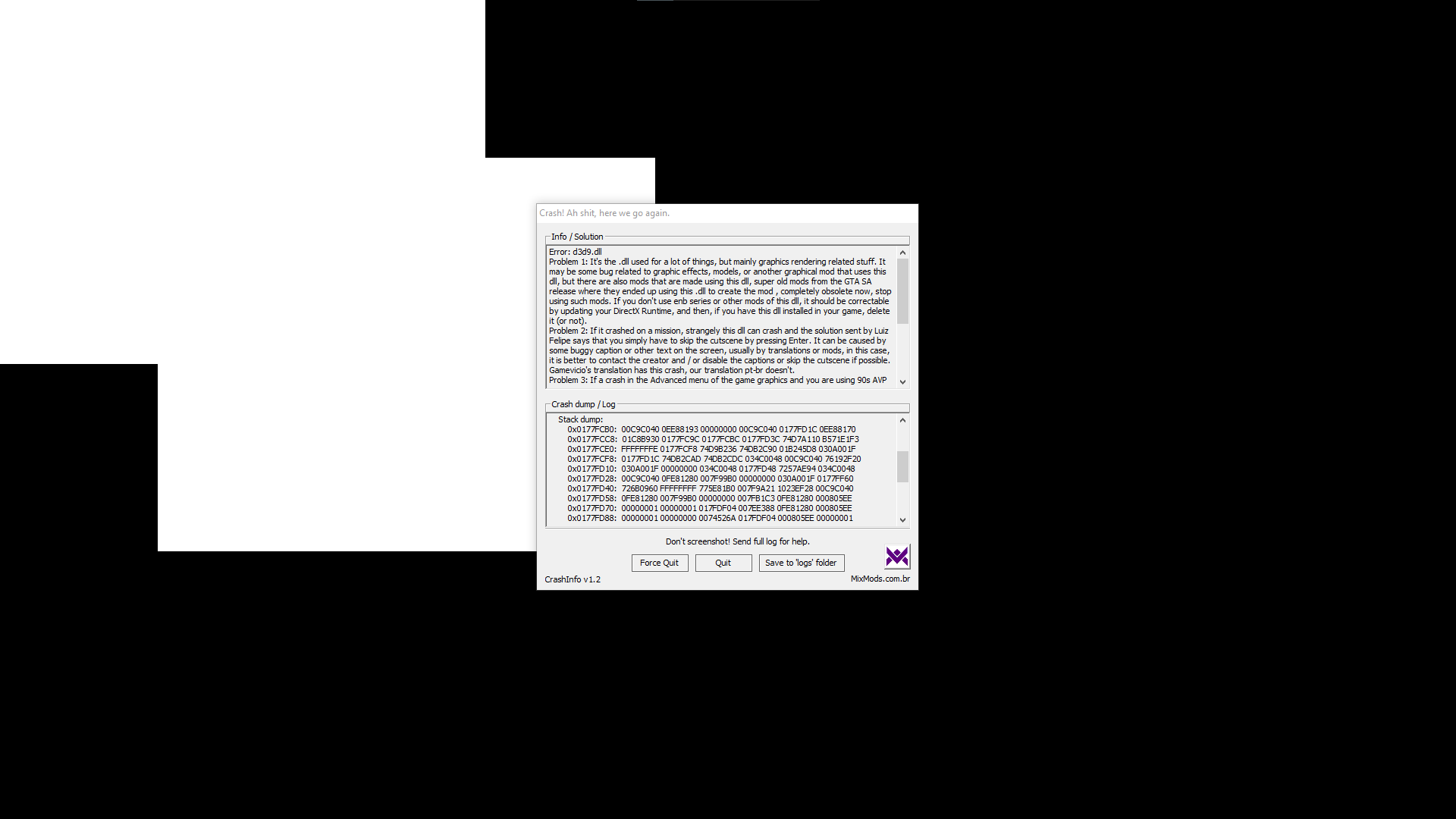
Error: d3d9.dll
Problem 1: It's the .dll used for a lot of things, but mainly graphics rendering related stuff. It may be some bug related to graphic effects, models, or another graphical mod that uses this dll, but there are also mods that are made using this dll, super old mods from the GTA SA release where they ended up using this .dll to create the mod , completely obsolete now, stop using such mods. If you don't use enb series or other mods of this dll, it should be correctable by updating your DirectX Runtime, and then, if you have this dll installed in your game, delete it (or not).
Problem 2: If it crashed on a mission, strangely this dll can crash and the solution sent by Luiz Felipe says that you simply have to skip the cutscene by pressing Enter. It can be caused by some buggy caption or other text on the screen, usually by translations or mods, in this case, it is better to contact the creator and / or disable the captions or skip the cutscene if possible. Gamevicio's translation has this crash, our translation pt-br doesn't.
Problem 3: If a crash in the Advanced menu of the game graphics and you are using 90s AVP Reborn, it was caused by his Super GT and the solution is simply to change this car. In the same way you might not be using the 90s AVP but you might have this same car, or another car with the same problem, that is, if this dll crashes in this menu, it could be a car installed in your GTA.
Problem 4: During an explosion? Using some mod like Remastered Effects? If you have any 0x007FDE14 and/or 0x007FE7DC and/or 0x004A140A in the "Backtrace" at the end of the log, it may be caused by IgnoreWater from MixSets (or even FreezeHour). So, if enabled, set these functions to -1 in MixSets.
!!! Translation may be wrong !!!
GTA SA 1.0.0.0 US
Unhandled exception at 0x0EE9F4B3 in d3d9.dll (+0x1f4b3): 0xC0000005: Access violation reading location 0x00000000.
Register dump:
EAX: 0x034C0048 EBX: 0x0EE88170 ECX: 0x00000000 EDX: 0x01C8B930
EDI: 0x00000000 ESI: 0x00000000 EBP: 0x0177FD1C EIP: 0x0EE9F4B3
ESP: 0x0177FCB0 EFL: 0x00210212 CS: 0x00000023 SS: 0x0000002B
GS: 0x0000002B FS: 0x00000053 ES: 0x0000002B DS: 0x0000002B
Stack dump:
0x0177FCB0: 00C9C040 0EE88193 00000000 00C9C040 0177FD1C 0EE88170
0x0177FCC8: 01C8B930 0177FC9C 0177FCBC 0177FD3C 74D7A110 B571E1F3
0x0177FCE0: FFFFFFFE 0177FCF8 74D9B236 74DB2C90 01B245D8 030A001F
0x0177FCF8: 0177FD1C 74DB2CAD 74DB2CDC 034C0048 00C9C040 76192F20
0x0177FD10: 030A001F 00000000 034C0048 0177FD48 7257AE94 034C0048
0x0177FD28: 00C9C040 0FE81280 007F99B0 00000000 030A001F 0177FF60
0x0177FD40: 726B0960 FFFFFFFF 775E81B0 007F9A21 1023EF28 00C9C040
0x0177FD58: 0FE81280 007F99B0 00000000 007FB1C3 0FE81280 000805EE
0x0177FD70: 00000001 00000001 017FDF04 007EE388 0FE81280 000805EE
0x0177FD88: 00000001 00000000 0074526A 017FDF04 000805EE 00000001
base: 0x01580000 top: 0x0177FCB0 bottom: 0x01780000
Backtrace (may be wrong):
=>0x0EE9F4B3 Direct3DCreate9+0x17713 in d3d9.dll (+0x1f4b3) (0x0177FD1C)
0x7257AE94 in MoonLoader.asi (+0xae94) (0x0177FD48)
0x007F9A21 __rwD3D9RasterShowRaster+0x71 in gta_sa.exe (+0x3f9a21) (0x0177FD60)
0x007FB1C3 _RwRasterShowRaster+0x23 in gta_sa.exe (+0x3fb1c3)
2. Объяснение ситуации и шаги по её возникновению, формулировка способов решения проблемы: Запускаю игру, а у меня ошибка!!!
3. Демонстрация проблемы:
Error: d3d9.dll
Problem 1: It's the .dll used for a lot of things, but mainly graphics rendering related stuff. It may be some bug related to graphic effects, models, or another graphical mod that uses this dll, but there are also mods that are made using this dll, super old mods from the GTA SA release where they ended up using this .dll to create the mod , completely obsolete now, stop using such mods. If you don't use enb series or other mods of this dll, it should be correctable by updating your DirectX Runtime, and then, if you have this dll installed in your game, delete it (or not).
Problem 2: If it crashed on a mission, strangely this dll can crash and the solution sent by Luiz Felipe says that you simply have to skip the cutscene by pressing Enter. It can be caused by some buggy caption or other text on the screen, usually by translations or mods, in this case, it is better to contact the creator and / or disable the captions or skip the cutscene if possible. Gamevicio's translation has this crash, our translation pt-br doesn't.
Problem 3: If a crash in the Advanced menu of the game graphics and you are using 90s AVP Reborn, it was caused by his Super GT and the solution is simply to change this car. In the same way you might not be using the 90s AVP but you might have this same car, or another car with the same problem, that is, if this dll crashes in this menu, it could be a car installed in your GTA.
Problem 4: During an explosion? Using some mod like Remastered Effects? If you have any 0x007FDE14 and/or 0x007FE7DC and/or 0x004A140A in the "Backtrace" at the end of the log, it may be caused by IgnoreWater from MixSets (or even FreezeHour). So, if enabled, set these functions to -1 in MixSets.
!!! Translation may be wrong !!!
GTA SA 1.0.0.0 US
Unhandled exception at 0x0EE9F4B3 in d3d9.dll (+0x1f4b3): 0xC0000005: Access violation reading location 0x00000000.
Register dump:
EAX: 0x034C0048 EBX: 0x0EE88170 ECX: 0x00000000 EDX: 0x01C8B930
EDI: 0x00000000 ESI: 0x00000000 EBP: 0x0177FD1C EIP: 0x0EE9F4B3
ESP: 0x0177FCB0 EFL: 0x00210212 CS: 0x00000023 SS: 0x0000002B
GS: 0x0000002B FS: 0x00000053 ES: 0x0000002B DS: 0x0000002B
Stack dump:
0x0177FCB0: 00C9C040 0EE88193 00000000 00C9C040 0177FD1C 0EE88170
0x0177FCC8: 01C8B930 0177FC9C 0177FCBC 0177FD3C 74D7A110 B571E1F3
0x0177FCE0: FFFFFFFE 0177FCF8 74D9B236 74DB2C90 01B245D8 030A001F
0x0177FCF8: 0177FD1C 74DB2CAD 74DB2CDC 034C0048 00C9C040 76192F20
0x0177FD10: 030A001F 00000000 034C0048 0177FD48 7257AE94 034C0048
0x0177FD28: 00C9C040 0FE81280 007F99B0 00000000 030A001F 0177FF60
0x0177FD40: 726B0960 FFFFFFFF 775E81B0 007F9A21 1023EF28 00C9C040
0x0177FD58: 0FE81280 007F99B0 00000000 007FB1C3 0FE81280 000805EE
0x0177FD70: 00000001 00000001 017FDF04 007EE388 0FE81280 000805EE
0x0177FD88: 00000001 00000000 0074526A 017FDF04 000805EE 00000001
base: 0x01580000 top: 0x0177FCB0 bottom: 0x01780000
Backtrace (may be wrong):
=>0x0EE9F4B3 Direct3DCreate9+0x17713 in d3d9.dll (+0x1f4b3) (0x0177FD1C)
0x7257AE94 in MoonLoader.asi (+0xae94) (0x0177FD48)
0x007F9A21 __rwD3D9RasterShowRaster+0x71 in gta_sa.exe (+0x3f9a21) (0x0177FD60)
0x007FB1C3 _RwRasterShowRaster+0x23 in gta_sa.exe (+0x3fb1c3)